
Hello. I'm Jindo, a frontend developer. I'm going to write a WebView development guide series, sharing various issues I encountered while configuring WebView in React Native.
First, in this post, I will share the issues that arose.
(The most commonly used WebView library is react-native-webview, and I also developed using this library.)
Issue Overview
First, let's list what problems arise and what needs to be solved when running only the most basic WebView as shown below.
return (
    <WebView
        source={{ uri: `${URL}${path}` }}
      />
 )
1. Pull to Refresh
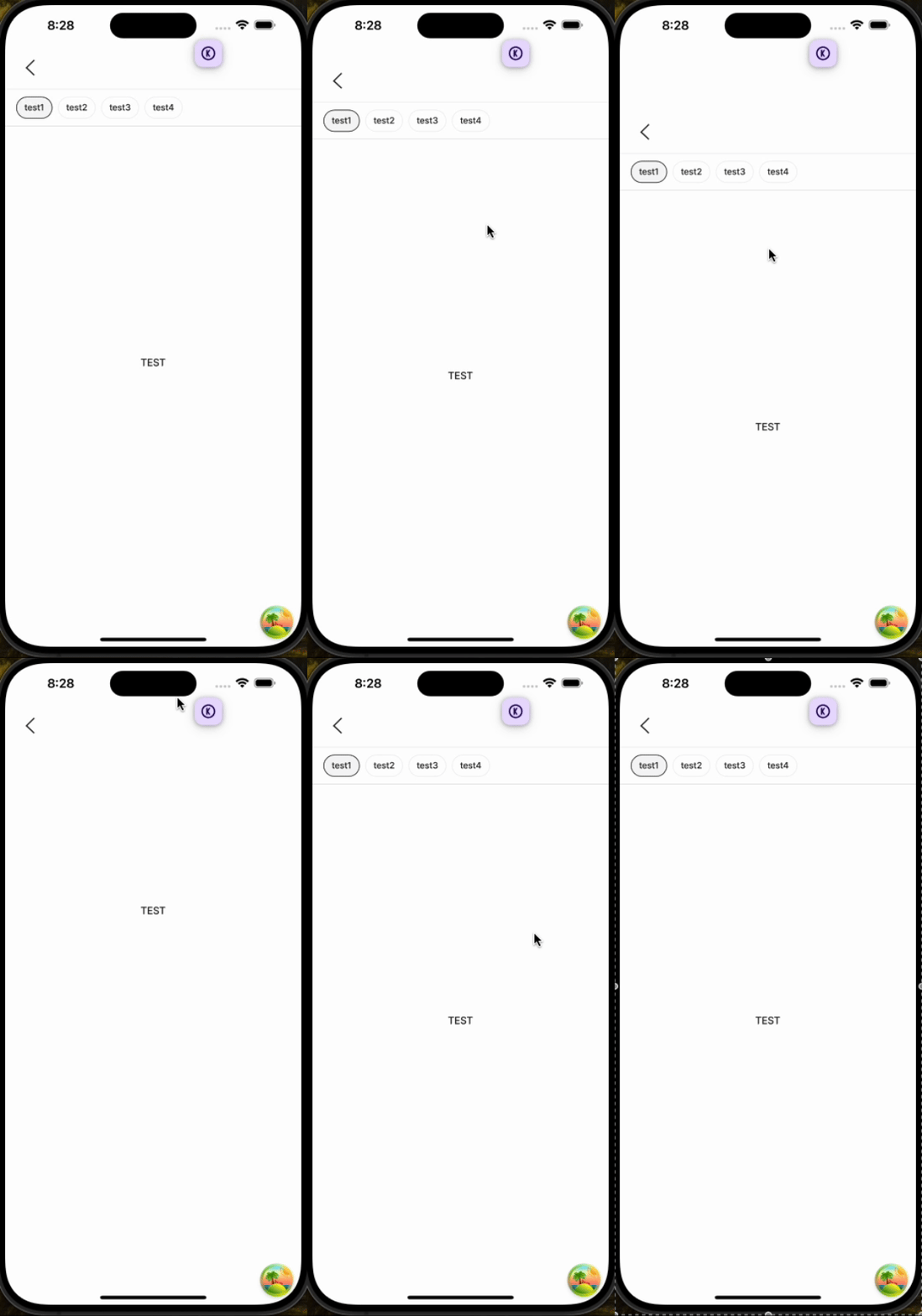
By default, apps use a pull-to-refresh event to refresh the screen.
When a user performs a pull-to-refresh, just like in a native app, no event occurs.
We need to implement pull-to-refresh.
2. Pinch Zoom
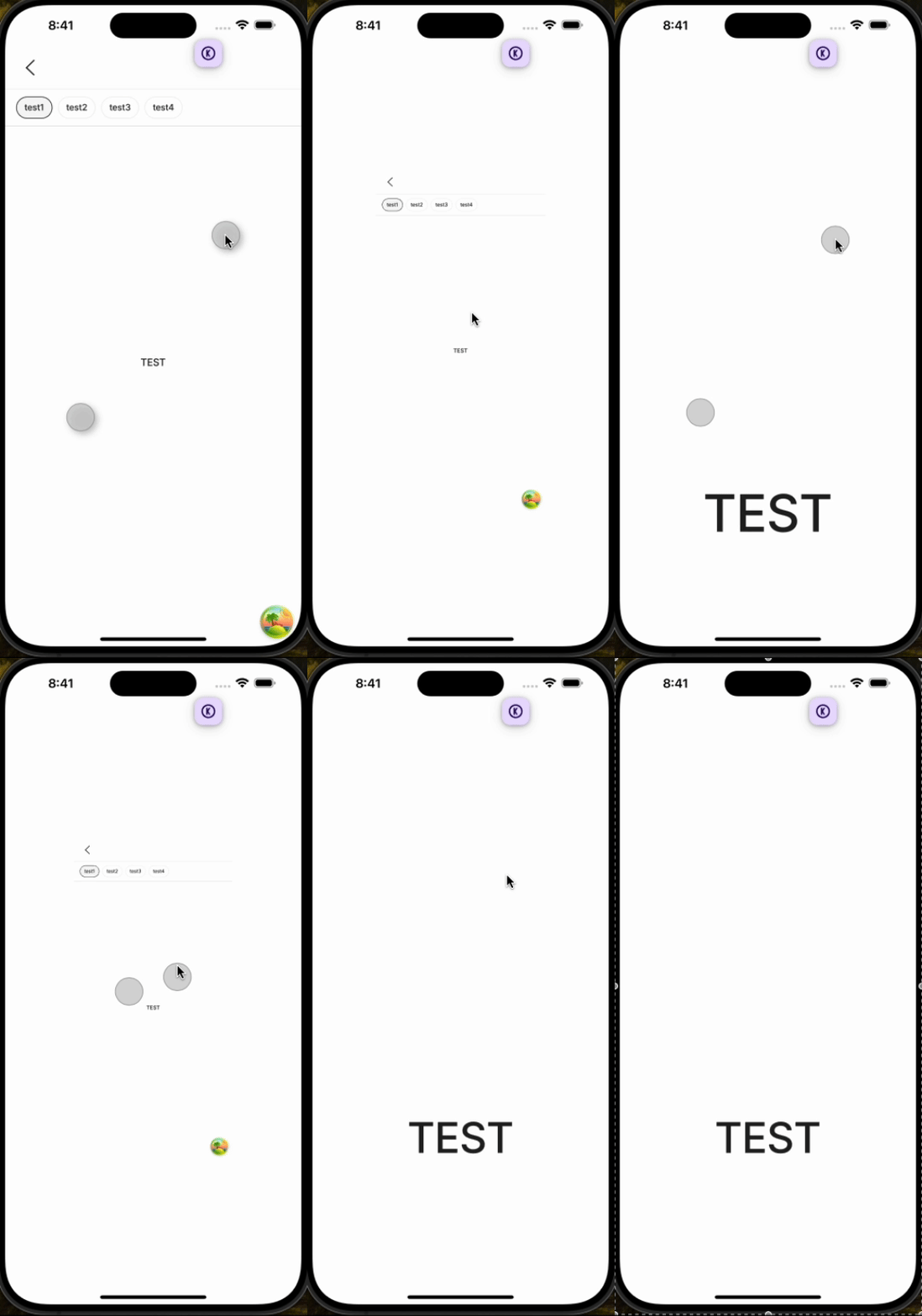
By default, performing a pinch-zoom event on the screen in a native app does not cause magnification or reduction.
However, since the WebView simply renders a webpage, this event causes zooming in and out.
We need to prevent zooming in and out.
3. Screen Navigation!
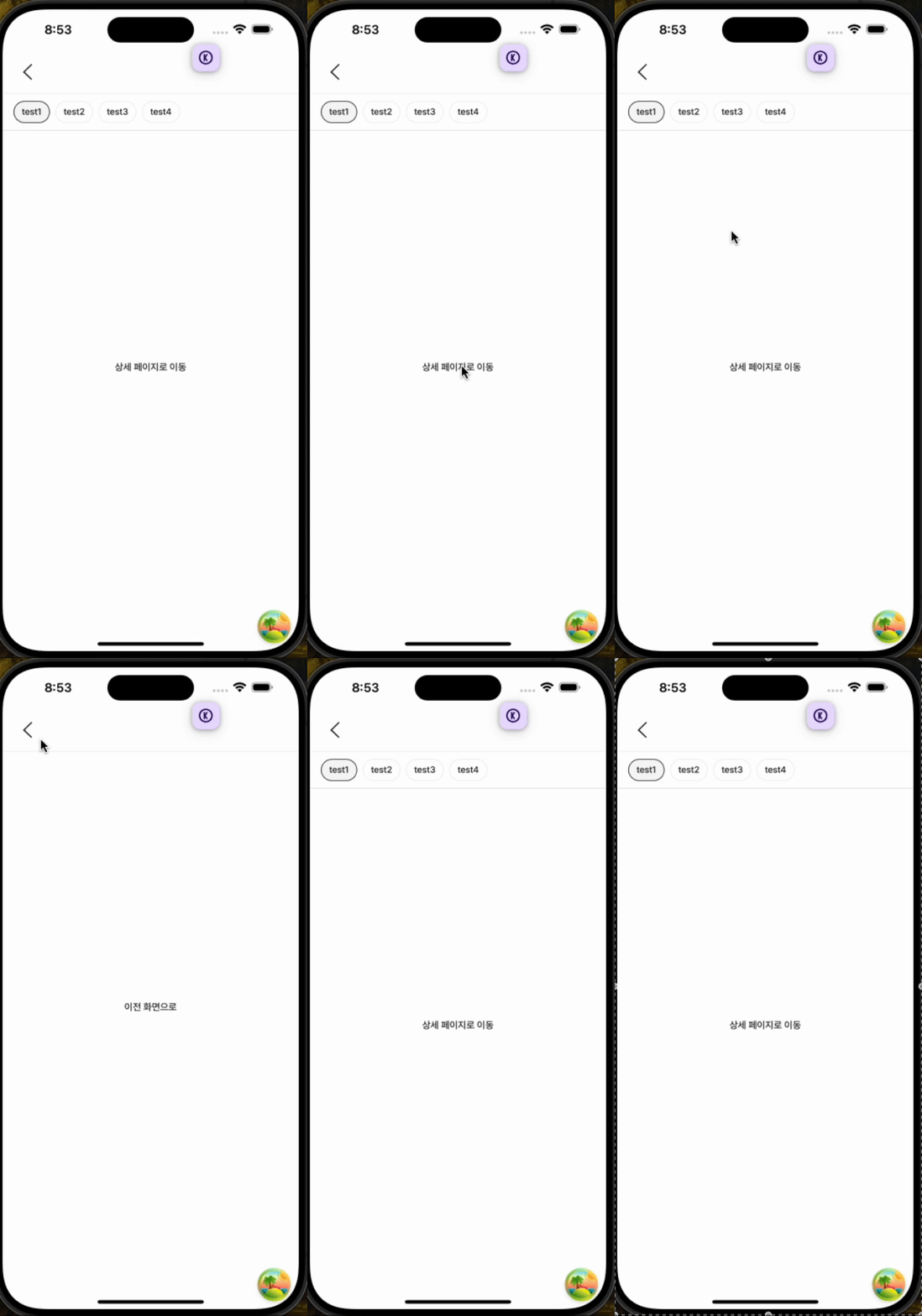
By default, in native apps, screen navigation works with stack navigation, meaning new screens are pushed onto a stack rather than transitioning with a flicker.
However, naturally, page transitions occur within the WebView.
We need to enable stack navigation.
4. Authentication Handling
It would be terrible if, after logging into the app and using various services, navigating to a WebView required logging in again.
We need to pass the token information from the app to the WebView.
5. Handling Invalid Data
There are cases where it's necessary to switch from a WebView to a native app screen. In my case, for features like writing posts, it was more convenient to control the behavior from the native app screen rather than the WebView. There might also be other services that are intertwined with the app.
In such cases, when a new stack screen is pushed in the app and then popped, if invalidation processing is required upon returning, the app needs to send a refresh event to the web.
6. Text Selection
Within the app, content can be selected for copying, etc.
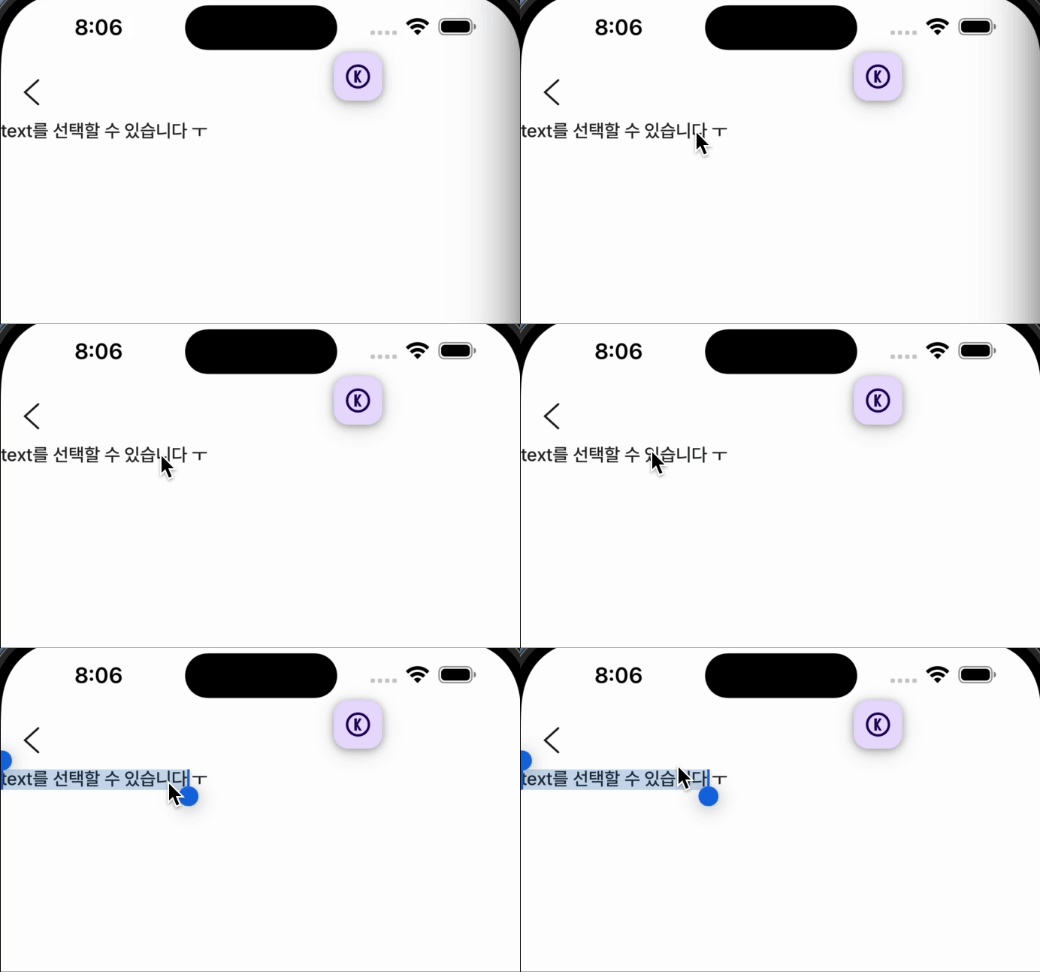
In actual native apps, text selection UX does not occur unless it's an input field. We need to prevent text selection.
7. Input Position
There are differences between Android and iOS regarding scrolling or screen shifting when an input field is focused.
8. Refetch on Screen Mount
Conclusion
In the next post, I will share how each of these issues was resolved.